
Compatibility · ESAB
ArcDroid and ESAB PowerCut
PowerCut 900, 1300 and 1600: connection through the CNC port.
Compatible with the ArcDroid
 CPC · CNC5 min
Models
Compatible ESAB plasma cutters
- PowerCut 900
- PowerCut 1300
- PowerCut 1600
Connects to the CNC port.
Connection
How we hook it up
The PowerCut CNC port provides trigger and arc voltage. The pinout is supplied with your order.
- 01
Clamp the ArcDroid to the table and plug in its power supply.
- 02
Connect the cutter's CNC output to the ArcDroid controller.
- 03
Fit your torch in the universal holder and tighten both clamps.
- 04
Run the guided calibration on screen: height probing, arc-start test, arc-voltage setting.
- 05
Trace or import your first part. Cut.
In practice
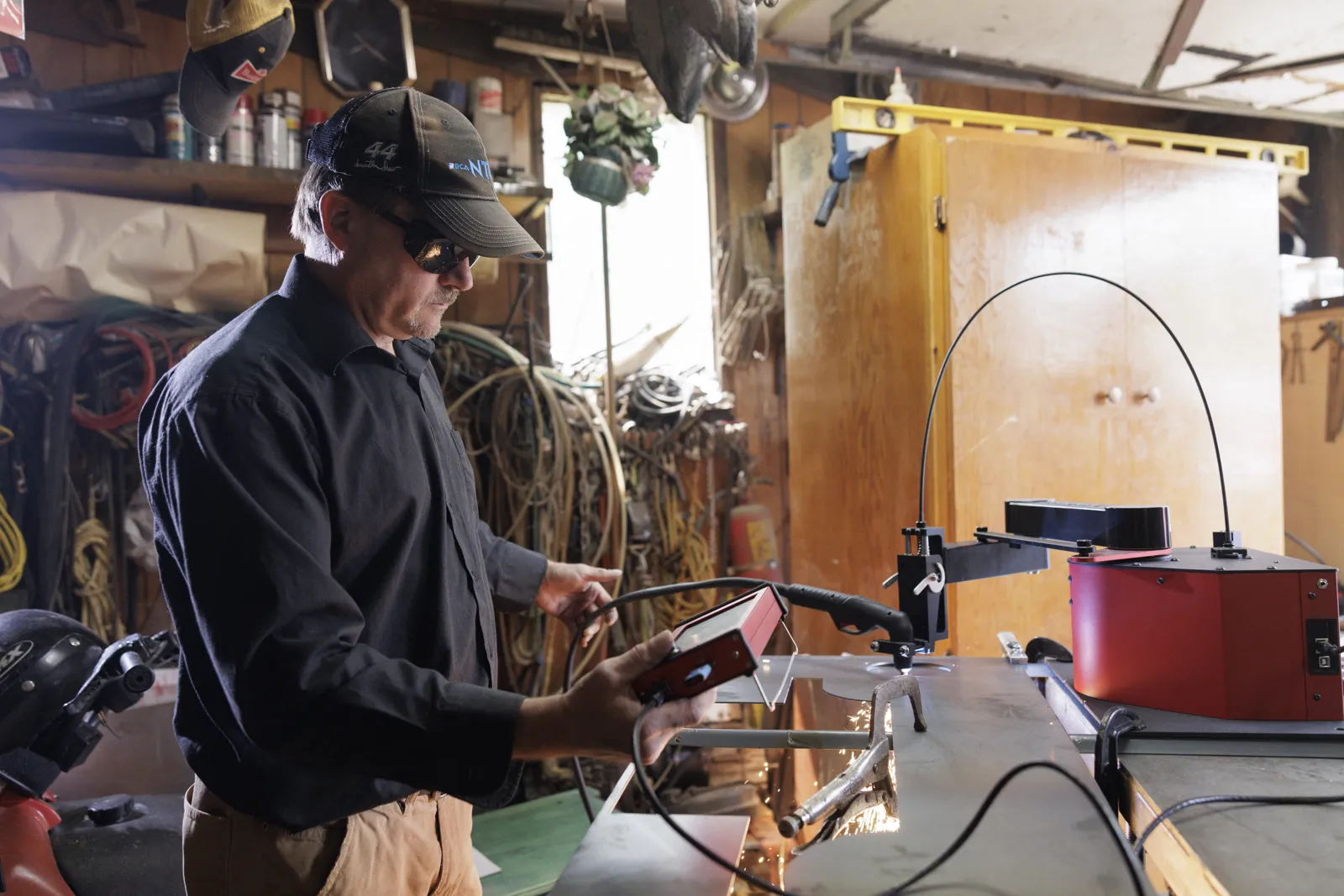
Cutting with a ESAB on the ArcDroid
What the ArcDroid controls
Through your ESAB's CNC output, the ArcDroid fires the arc and reads the divided arc voltage: the torch height adjusts itself during the cut, even on a slightly warped sheet.
Starting settings
Set the amperage on the ESAB for the thickness, as you would for hand cutting. Speed, pierce height and cut height are set on the ArcDroid's screen, with no computer. Our reference values by thickness and amperage are in the guide.
Read the article: Plasma cutting thickness: what a 45, 65 or 105 A unit really cuts →Before you order
Three checks are enough: the exact model reference of your ESAB, the start type (pilot arc or contact, never HF) and where the CNC output is. In doubt? Send us a photo of the rating plate.
Read the article: Which plasma cutter should you choose for a CNC machine? →Questions
ESAB and ArcDroid
Do I need a PT-38 machine torch?
No, the hand torch fits in the universal holder.
Does automatic torch height control work with a ESAB?
Yes: the ESAB's CNC output supplies the divided arc voltage the ArcDroid uses to adjust the torch height during the cut.
Unsure about your version?
Send a photo of the rating plate, we reply the same day.