Plasma consumables
Nozzles and electrodes wear with every start: a widening kerf, dross, an unstable arc call for a change. Keep a spare set ahead.

Support
Everything you need to install, update and maintain your ArcDroid.
 07 82 95 63 93PDF · FR / DE
Setup
Before you begin
This guide is a quick summary of the main steps for the first start-up of your ArcDroid. It does not replace the full installation and commissioning procedure. Before any use, please refer to the user manual, available for download a little further down this page.
Start by carefully unpacking your ArcDroid and all its accessories. Then place the robot on a stable support, perfectly straight and level, before commissioning it.
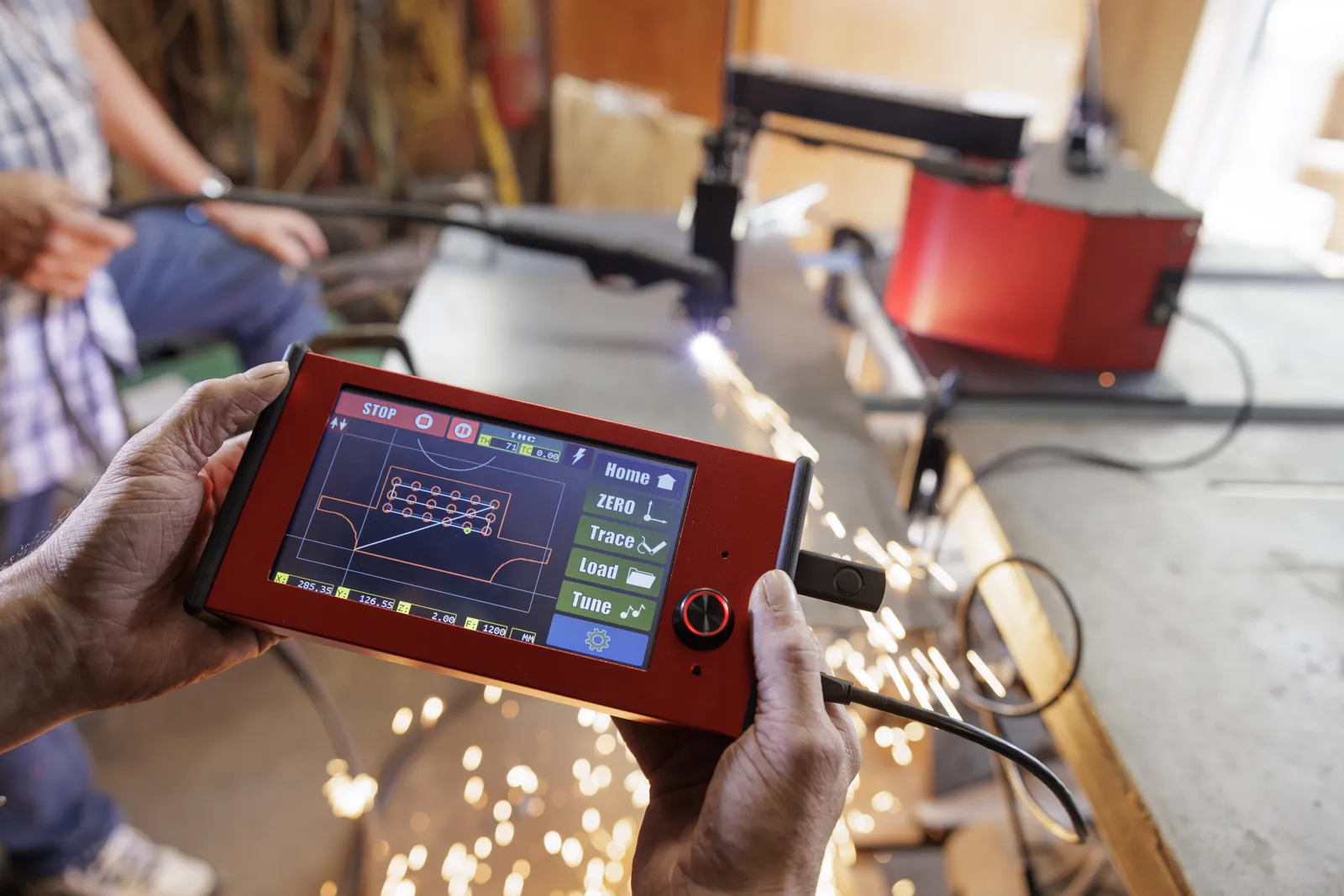
Before the first use, it is important to install the latest available updates. Update your ArcDroid firmware with the latest version available for download below, then update your Simple Trace™ tablet as well. The official ArcDroid video walks you through the procedure step by step.
Watch the official update videoOn first commissioning, you need to calibrate the ArcDroid arm. Take the calibration triangle supplied with the machine and simply follow the steps shown on the tablet. Once this first calibration is done, there is no need to repeat it before every use. We do however recommend recalibrating about once a year, or whenever it proves necessary.
Watch the official calibration videoYour ArcDroid is now ready for its first cuts. You can create your part directly with the stylus and the Simple Trace™ tablet, trace an existing shape, or import your own DXF or G-code files. All that is left is to set your plasma cutter to the material and its thickness — and start your first cut!
Files
The manual in English, French and German and the quick-start guide are here; the Simple Trace™ software and firmware, always up to date, are on the manufacturer's website.
CAM
To generate ArcDroid G-code from your CAM software. Select tool compensation "in computer" when exporting.
Download the post-processors ↗Day to day
Nozzles and electrodes wear with every start: a widening kerf, dross, an unstable arc call for a change. Keep a spare set ahead.
Dry and clean: a filter-dryer at the compressor outlet protects the torch and the cut quality.
Blow off metal dust after heavy sessions, protect it with the cover. No special lubrication.
After purchase
One-year manufacturer's warranty on the machine and accessories, free software updates for life. Service is handled from our Oberentzen workshop: phone diagnosis, spare parts, return to workshop if needed.
A calibration problem, a doubt about a setting: we look at it together, by phone or video call.