DXF, the drawing
DXF is the universal exchange format for 2D drawing: lines, arcs, circles, polylines. Every program exports it — AutoCAD, Fusion 360, QCAD, Inkscape, even some online drawing sites. For cutting, a good DXF is closed (every contour returns to its starting point), without duplicates, with holes as circles and text converted to outlines.
CAM, the toolpath
The drawing does not say in what order to cut, at what speed, or on which side of the line to run the torch. That is the job of CAM software: it adds kerf compensation (the torch offsets its path by half a kerf so the part comes out to size), lead-ins and lead-outs to avoid marks, the inside → outside order (holes before the contour, otherwise the part drops before the end). SheetCAM is the simplest and cheapest, Fusion 360 the most complete, QCAD/CAM the lightest, Estlcam a good compromise.
The post-processor, the translator
Every machine speaks its own G-code dialect. The post-processor is the small file that translates the CAM output for your machine: torch-on commands, height probing, units. Serious manufacturers supply theirs for Fusion 360, SheetCAM, QCAD and Vectric. With the right post-processor, an exported G-code works first time; without it, you spend hours editing.
The transfer
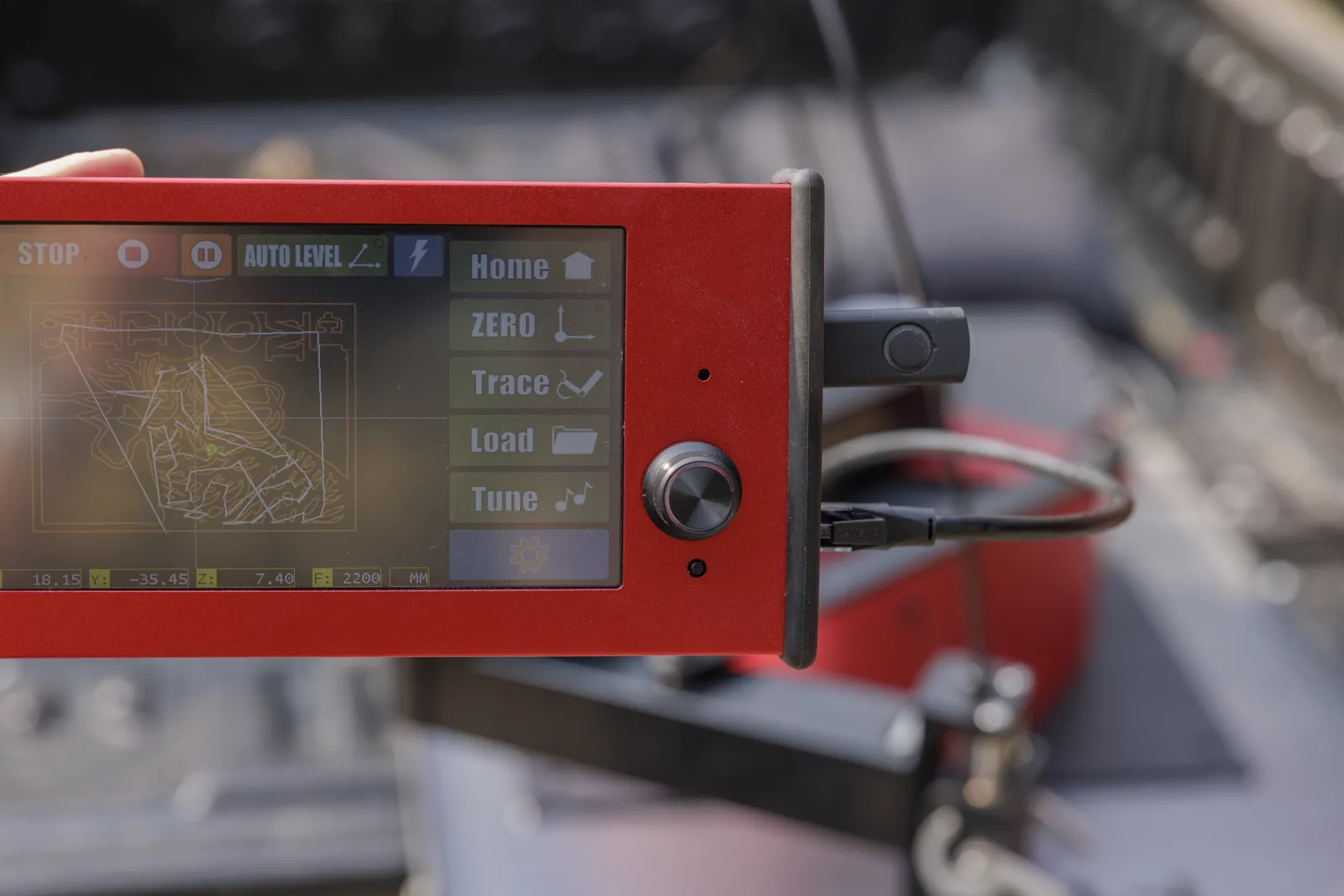
On a PC-driven table, the file opens in the control software (Mach3, LinuxCNC, proprietary software). On a benchtop robot with a touch screen, a USB stick is enough: plug in, pick the file, set the origin, start. No computer in the workshop, so no metal dust in a computer.
And without a file?
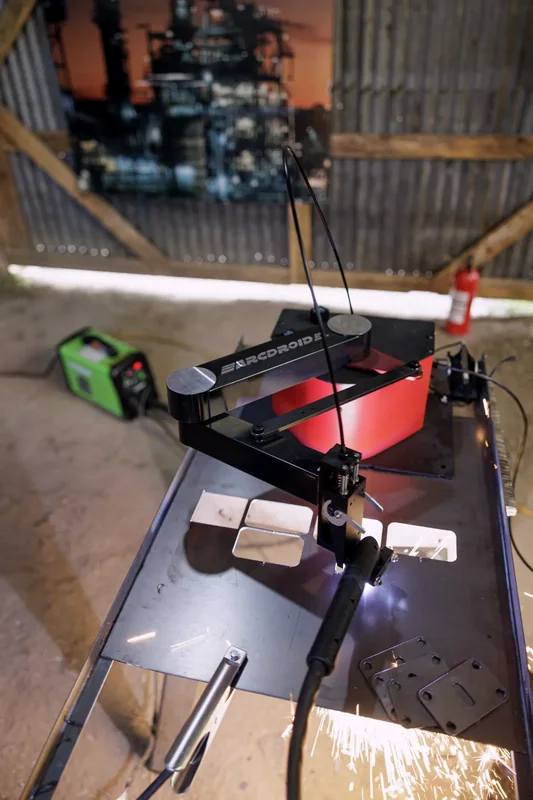
To reproduce an existing part, a cardboard template or a marker sketch, the DXF → CAM → G-code chain is a detour. Some machines offer direct tracing: you follow the outline with a stylus, the machine records the points and curves, applies kerf compensation and cuts. The G-code is created on the machine — and can be exported to a USB stick afterwards if you want to keep it. That is what the ArcDroid does with Simple Trace™: for the vast majority of workshop parts, the file never exists.